
NZ30 Lan control
The JVC NZ30 allows for TCP/IP control.
The full control guide can be found here
It has been found that the network standby option on these projectors are not selectable - apparently this is due to new EU laws on non secure TCP/IP control as such we need to set the LAN password to allow this option to be on, this can be done via either TCP/IP or via RS232.
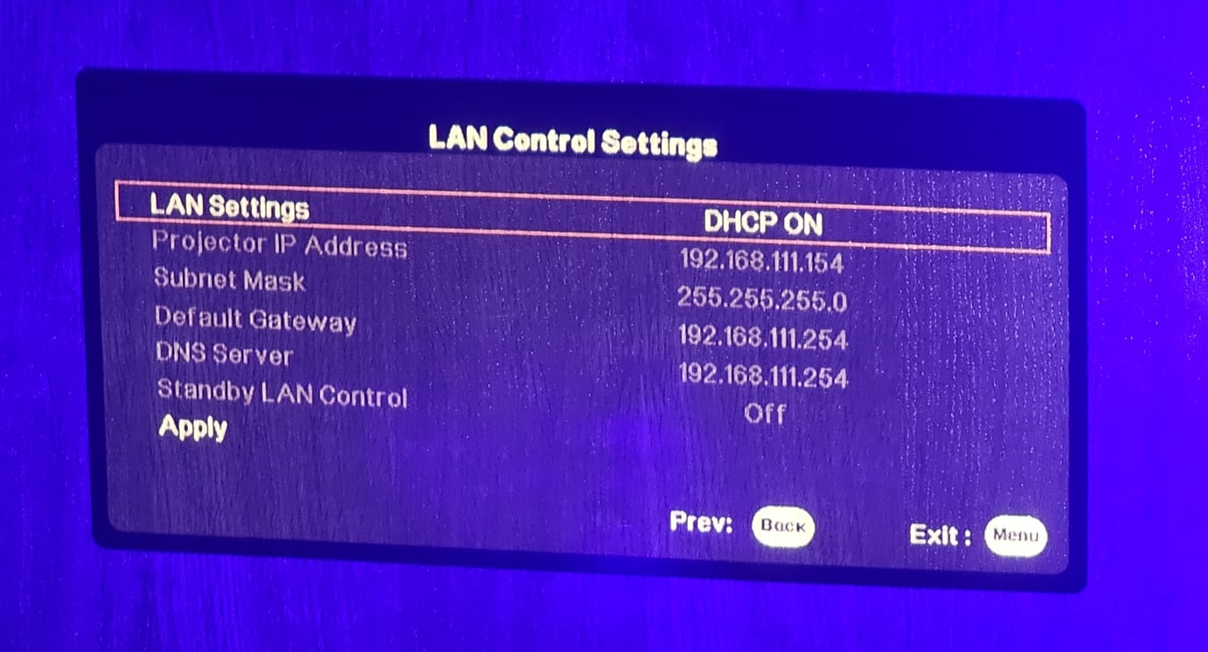
You will need to use a program called Hercules which you can download direct from here. This will just download the program and will run direct from the .exe file so no install is required.
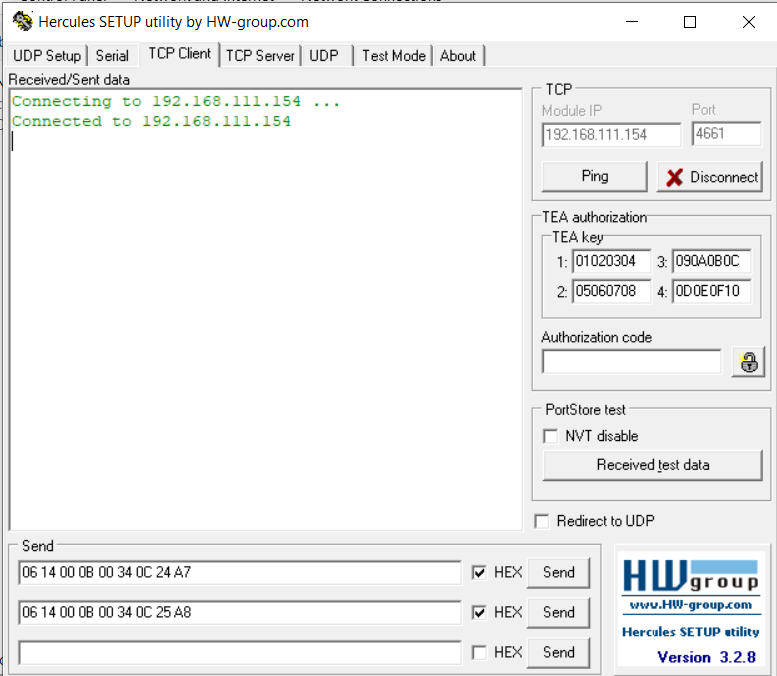
Once Hercules is open select to TCP Client tab (3rd option) and type in the IP address the projector has been given - menu, press right to advance then select LAN connection to show the IP address. The port number needed for this is 4661 for TCP IP connection.
The 2 commands you will need are to set LAN password 1 and LAN password 2 these commands are hex commands and are as follows
06 14 00 0B 00 34 0C 24 A7
06 14 00 0B 00 34 0C 25 A8
Type these into your Hercules program and ensure you select the HEX check box as imaged here
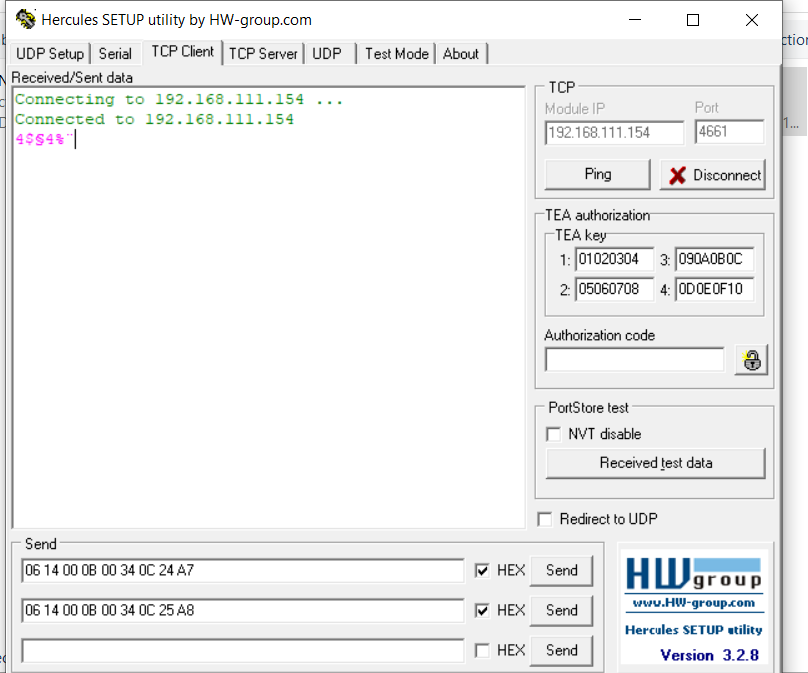
All you need to do now is send the first command and then the second command - you will get no feedback whatsoever from this other than the command being sent in pink
however if set correctly open up the JVC menu system again and select the LAN settings you will now see the Standby LAN Control is now selectable.
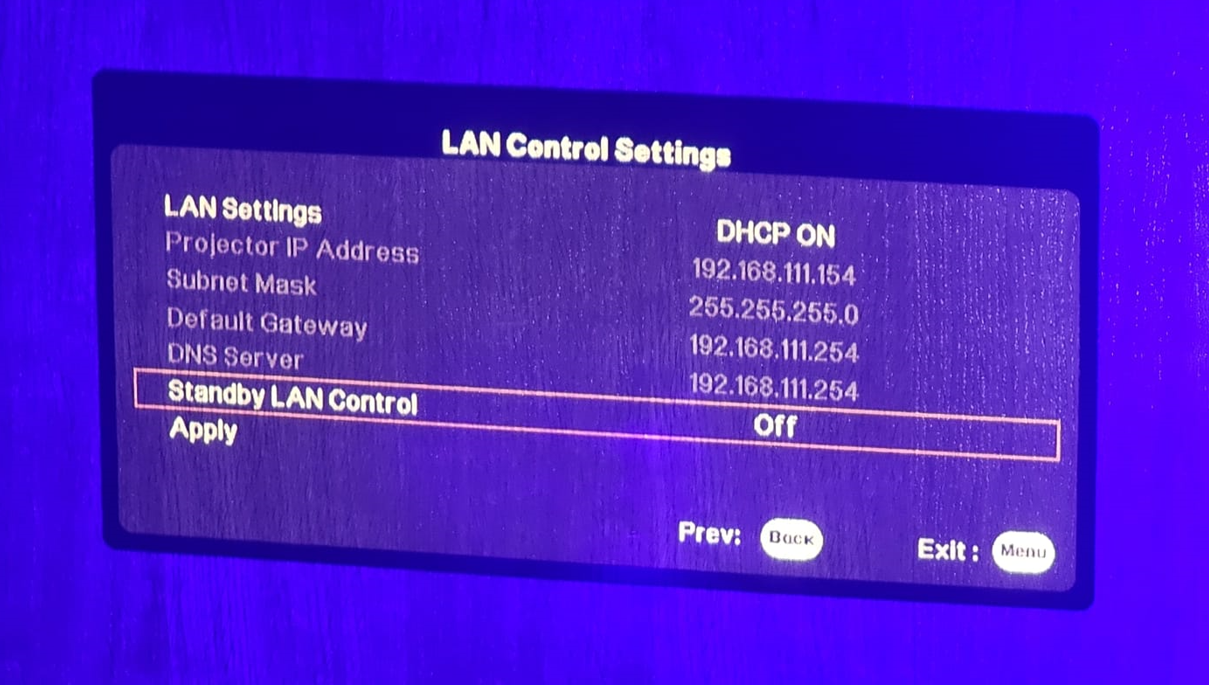
Press the Left or Right arrow keys to turn this ON and then down to Apply and press OK
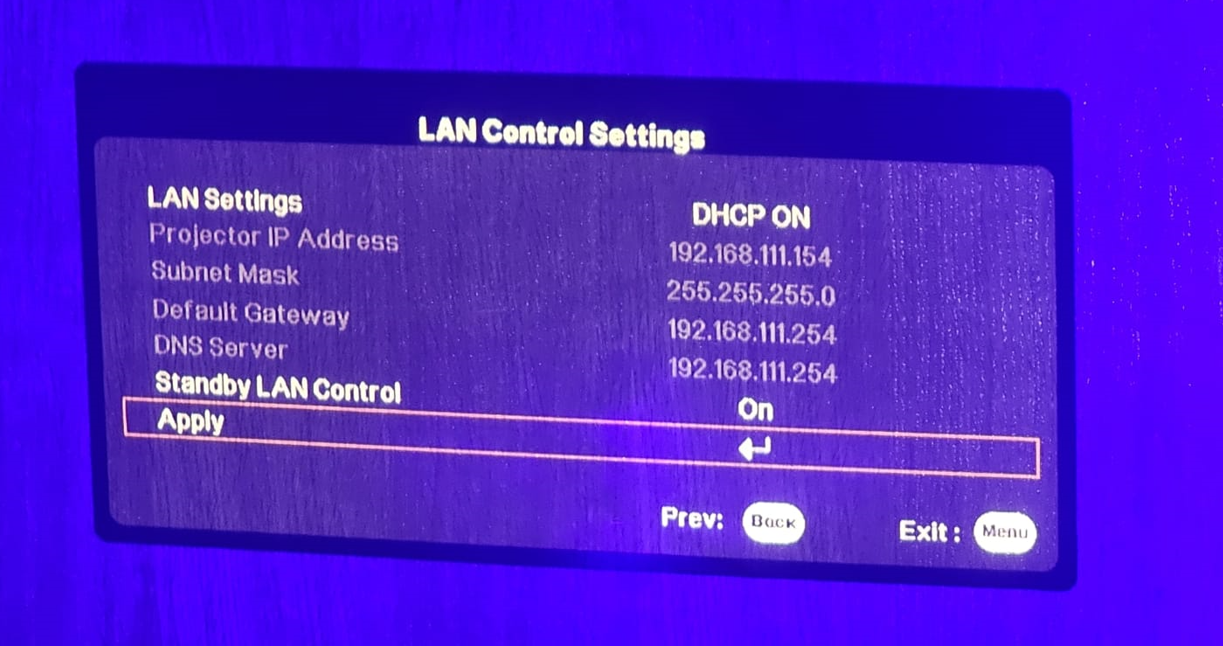
This screen will now publish a Apply Successfully page
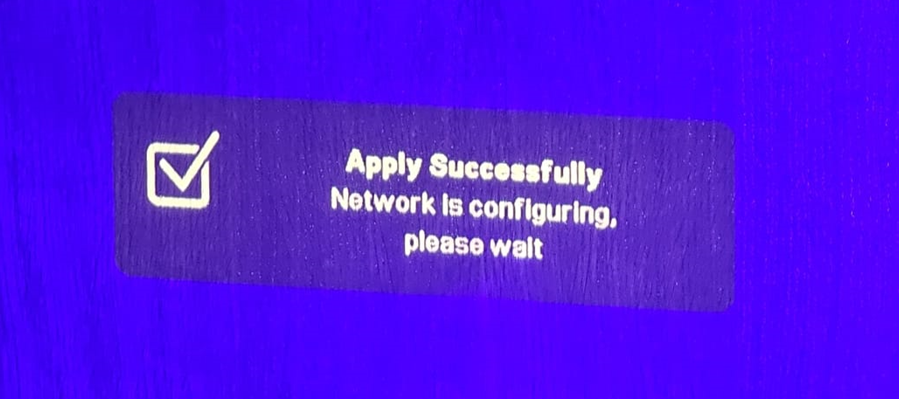
You can now turn the JVC on when this is in its off state.